Aesthetic Pomodoro Timer

Focus
25:00

0 sessions · Today 0 min

Tasks

Write down one thing to finish this round.

Sounds

Rain
Thunder
Birds
Wind
Campfire
My mixes

A beautiful pomodoro timer with painted scenery and lofi music.

A timer you actually want to look at

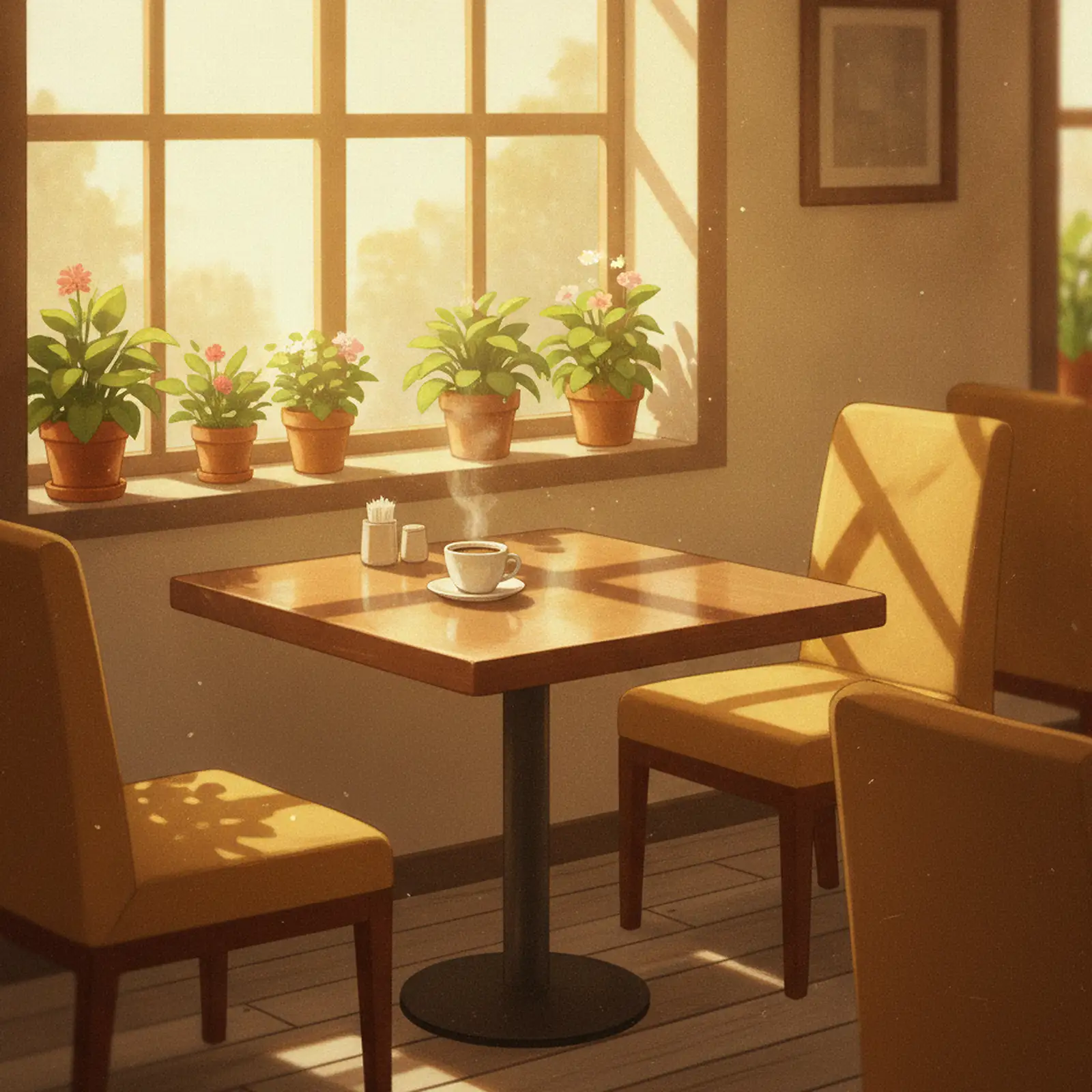
Most pomodoro timers look like stopwatches. This one looks like a place: a rainy window, a morning café, a night city rooftop — twelve painted scenes in a warm, anime-inspired style, with the clock floating over the scenery on soft glass panels.

Aesthetics aren't just decoration. A workspace you enjoy looking at lowers the friction of starting, and starting is the hardest part of any study session. Pick a scene that matches your mood, put the timer in zen mode, and your desk gets a view.

How to use it

  1. Pick a station. Choose a 2-hour lofi mood mix — rainy night or morning café — and press play.
  2. Set your timer. Classic 25/5 pomodoro, longer 50/10 deep-work rounds, or your own custom intervals.
  3. Add your tasks. Write down what you're working on so each focus round has a target.
  4. Start. The countdown lives in your tab title, a soft chime marks each break, and the music keeps flowing.

Every scene comes with a soundtrack

The backdrop pairs with lofi music from the Lofi Cat channel — a live rainy lofi radio that streams through the day and into the night, and long mood mixes like Tokyo Rain and Neon City. Because the player is a real YouTube embed, the stream is reliable, and one click of play is all it takes.

Your chosen scene, timer preset and task list are remembered on your device, so tomorrow's session starts exactly where today's left off.

FAQ

What makes a pomodoro timer "aesthetic"?
Instead of a plain stopwatch UI, the timer is set into full-screen painted scenery with soft glass panels — closer to a cozy desktop wallpaper than a utility app.
Why is a pomodoro 25 minutes?
25 minutes is long enough to get real work done but short enough that starting never feels heavy. It is a convention, not a law — if you focus better in longer stretches, use the 50/10 preset or set custom intervals.
Can I change the background scene?
Yes — twelve painted scenes (rain, café, city nights, forests, beaches). Your pick is saved for next time.
Is there a fullscreen or zen mode?
Yes. Zen mode hides everything except the clock and the scenery — the music player docks into a corner and keeps playing.
Does it work on a phone or tablet?
Yes, the layout adapts from phones to large monitors and TVs.